

Download Cốc Cốc Browser – Free Web Browser with Adblocker, Fast Downloads, Language Support
Overview
Cốc Cốc Browser is a free desktop web browser designed primarily for users in Vietnam, offering a streamlined yet feature-rich browsing experience. It addresses common challenges faced by local users, such as language barriers, slow download speeds, and intrusive ads. The browser integrates tools tailored to Vietnamese internet users, including built-in Vietnamese-to-English and English-to-Vietnamese dictionary support, real-time spelling correction, and recognition of regional slang.
These features make it particularly valuable for students, professionals, and casual users learning or communicating in Vietnamese. Additionally, the browser includes a currency converter for quick exchange rate calculations between Vietnamese đồng and major global currencies like USD, EUR, JPY, and CNY. It also supports measurement unit conversions, enhancing usability for both personal and professional tasks.
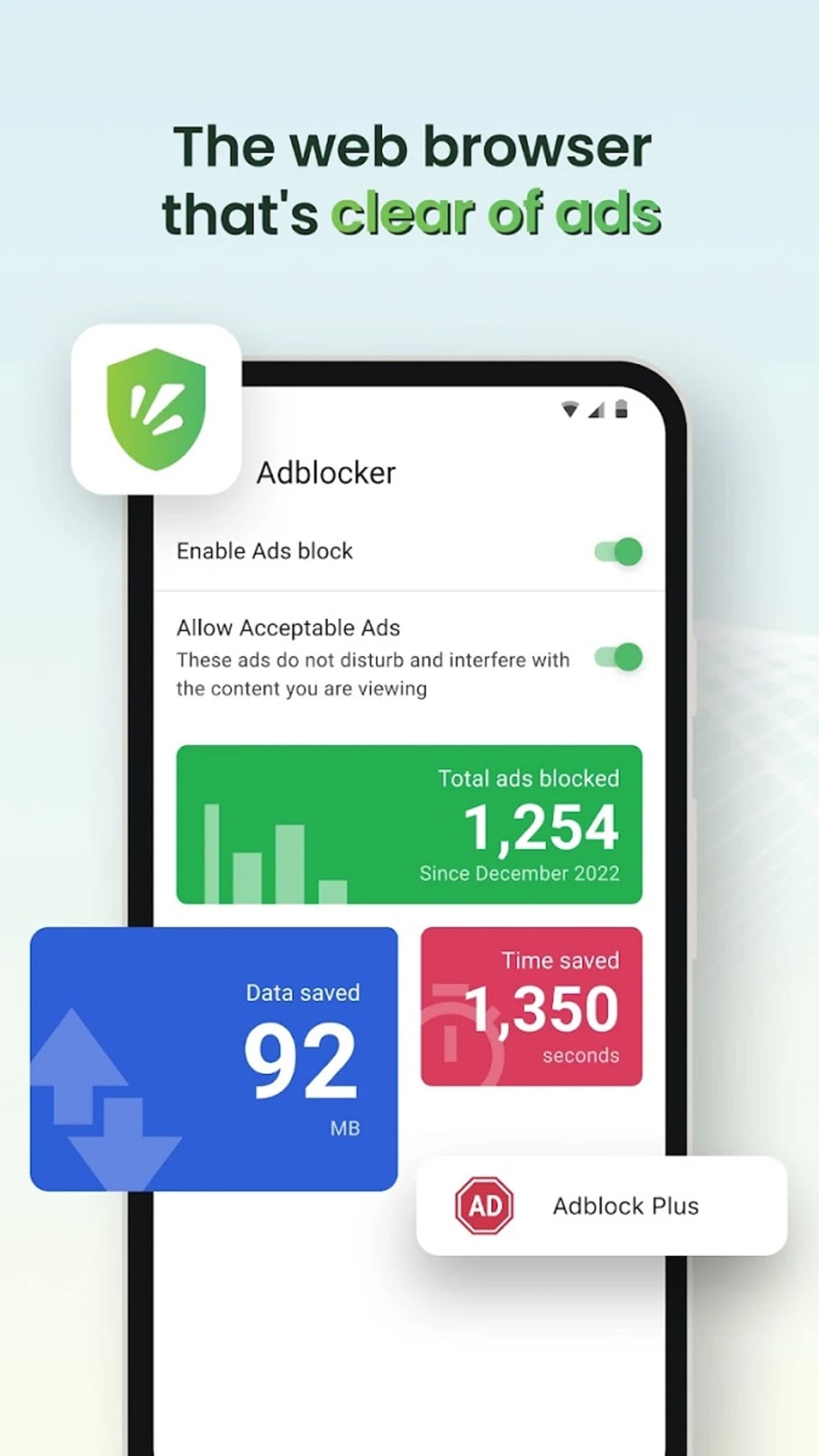
The browser’s adblocker helps eliminate disruptive pop-ups, improving browsing efficiency. With built-in download acceleration, it claims up to eight times faster download speeds compared to standard browsers. It also features a built-in Internet Download Manager (IDM) with a drop-down tab that identifies downloadable content from popular Vietnamese platforms like Phim14, Zing, and Nhaccuatui.
The browser is available for both Windows and Mac operating systems and supports Vietnamese, English, and Chinese interfaces. Developed by Cốc Cốc, a company based in Vietnam with a presence since 2010, the browser reflects a deep understanding of local digital needs.
Key Features & Capabilities
- Integrated Adblocker – Blocks pop-ups and intrusive ads automatically, ensuring a cleaner browsing experience without the need for third-party extensions.
- Fast Download Acceleration – Offers enhanced download speeds, with claims of up to eight times faster performance than other browsers, ideal for users seeking efficient file transfers.
- Language Translation & Dictionary Support – Provides real-time translation between Vietnamese, English, and Chinese, with a built-in dictionary that supports both formal and informal language, including regional slang.
- Spelling and Grammar Checker – Automatically detects and corrects spelling errors in comments, emails, and blog posts, improving writing accuracy for Vietnamese users.
- Currency and Unit Converter – Enables instant conversion between Vietnamese đồng and major international currencies (USD, EUR, JPY, CNY) and between measurement units.
- Integrated Internet Download Manager (IDM) – Features a dedicated drop-down tab that detects downloadable content from supported sites such as Phim14, Zing, and Nhaccuatui, allowing direct downloads without external tools.
- Mobile Sync Integration – Allows users to sync their mobile devices with their desktop for seamless file transfer, though initial setup requires device pairing.
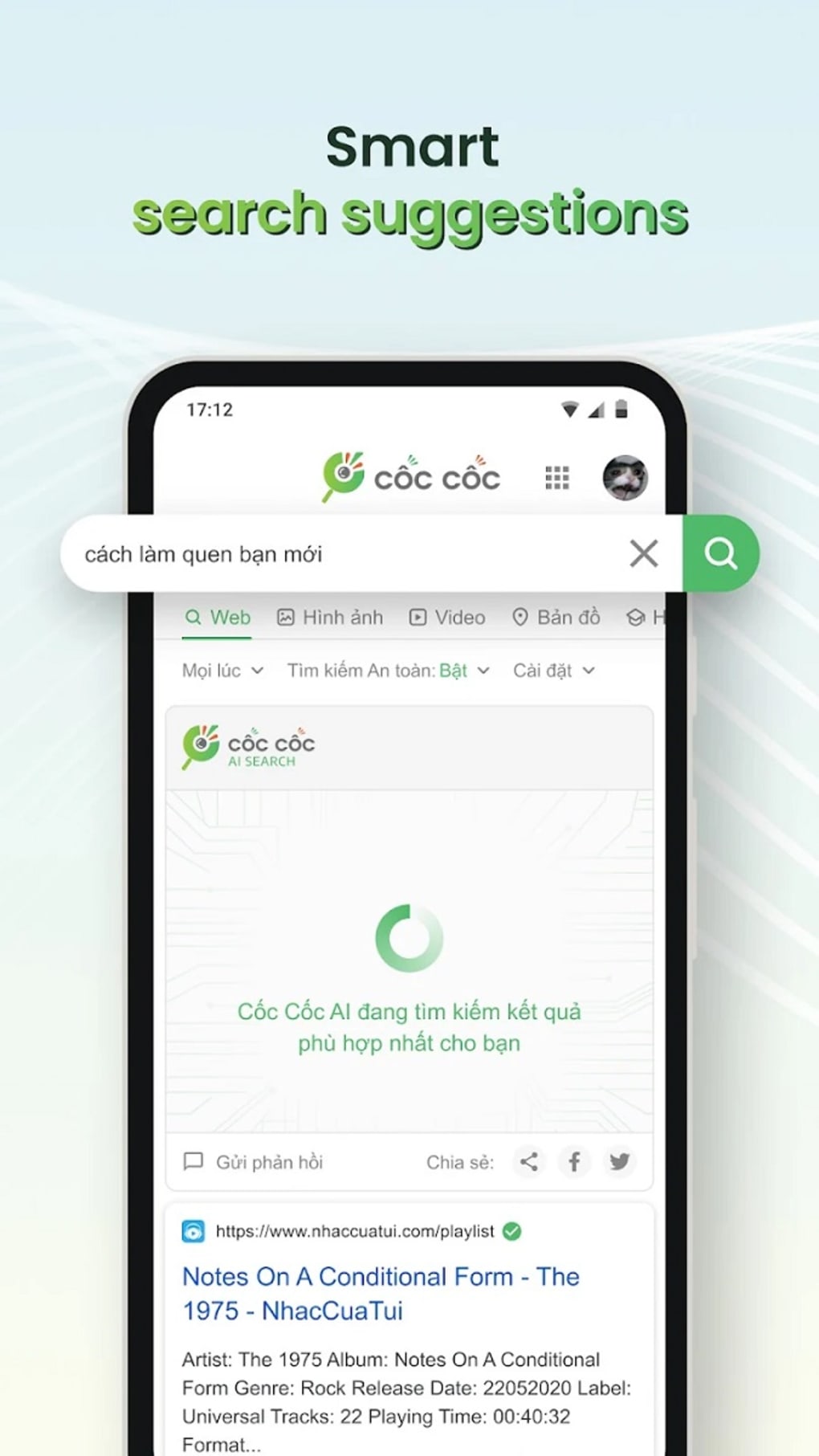
- AI-Powered News Feed – Delivers personalized news content through an intelligent algorithm that adapts to user preferences and browsing habits.
These features collectively enhance productivity and accessibility for Vietnamese-speaking users. For example, a student studying Vietnamese can use the dictionary and spelling checker to improve language skills. A professional managing international transactions can use the currency converter to stay updated on exchange rates.
The built-in IDM streamlines downloading from popular Vietnamese media sites, eliminating the need for separate software. The AI news feed ensures users stay informed with relevant content without manually searching. While the browser maintains a minimal interface, its functionality extends well beyond basic browsing, positioning it as a comprehensive digital tool for local users.
User Interface, Workflow & Performance
The browser features a clean, minimalistic interface designed to prioritize usability and reduce visual clutter. Navigation is straightforward, with standard elements such as a URL bar, tabs, and a menu accessible through a single icon. The layout is intuitive, making it easy for new users to adapt quickly.
The integration of tools like the dictionary, converter, and download manager is handled through contextual menus and a dedicated drop-down tab, minimizing interface bloat. Workflow efficiency is enhanced by features such as automatic spelling correction and real-time translation, which operate in the background without interrupting browsing. The browser’s performance is optimized for speed, particularly in downloading files, though exact resource usage details were not specified.
Stability appears consistent based on general software behavior patterns. The developer did not provide additional system requirements, and performance observations are based on general software behavior patterns. The browser maintains responsiveness during typical tasks, and the adblocker operates without noticeable delays.
Users can expect smooth operation on modern systems, though specific CPU or RAM behavior was not disclosed.
Compatibility & System Requirements
Cốc Cốc Browser is available for both Windows and Mac operating systems. The latest version is 109.0.164.25, with a file size of 120.6 MB. The developer did not specify exact system requirements, including minimum CPU, RAM, or storage needs.
Compatibility information was partially provided, indicating support for major desktop platforms. The browser supports Vietnamese, English, and Chinese language interfaces, making it accessible to a multilingual user base. The installation process is straightforward, and the browser integrates seamlessly with existing desktop environments.
For users concerned about hardware compatibility, the developer did not provide detailed specifications, so system compatibility should be verified based on general desktop standards. The browser does not require a constant internet connection to function, though some features like the AI news feed and currency conversion rely on online data.
Pros and Cons
Pros
- Free to download and use with no hidden costs
- Fast download speeds with built-in acceleration
- Strong language support for Vietnamese, English, and Chinese
- Integrated dictionary and spelling checker tailored to Vietnamese users
- AI-powered news feed for personalized content delivery
- Seamless mobile sync for file transfer
- Supports popular Vietnamese media sites for direct downloads
- Minimalist interface with efficient workflow integration
Cons
- System requirements not clearly specified
- Performance data and resource usage details were not provided
- Some advanced features may require initial setup (e.g., mobile sync)
- Primarily optimized for Vietnamese users; international appeal may be limited
- AI features may require internet access for full functionality
FAQ Section
Is Cốc Cốc Browser safe to download and use?
The browser is developed by Cốc Cốc, a Vietnamese software company with a history of creating tools for the local market. It is available for free and does not require a subscription. The developer did not provide specific security certifications, but the browser includes an adblocker and operates within standard desktop security frameworks.
Can I use Cốc Cốc Browser on Mac and Windows?
Yes, Cốc Cốc Browser is available for both Windows and Mac operating systems. The browser supports both platforms with the same core features and interface options.
Does Cốc Cốc Browser support offline usage?
Basic browsing functions can be performed offline. However, features such as the AI news feed, currency conversion, and dictionary lookup require an active internet connection to access up-to-date data.
How often are updates released?
Updates are released regularly to improve performance, security, and feature availability. The latest version is 109.0.164.25, released on 2022-09-28. Users are encouraged to keep the browser updated for optimal functionality.
What kind of license does Cốc Cốc Browser have?
Cốc Cốc Browser is distributed as free software with no cost for personal or professional use. The license type is not specified in the provided information, but the software is freely downloadable and usable without restrictions.
Final Thoughts
Cốc Cốc Browser stands out as a specialized tool tailored to the unique needs of Vietnamese internet users. Its combination of fast downloads, language support, and built-in utilities makes it a compelling choice for students, professionals, and casual users alike. The integration of a dictionary, spelling checker, currency converter, and AI-driven news feed enhances daily productivity and accessibility.
While the browser’s feature set is not as broad as global competitors like Firefox or Brave, it excels in its niche by addressing local challenges with practical solutions. The minimalist design ensures ease of use without sacrificing functionality. For users in Vietnam seeking a reliable, free, and feature-rich browser with strong language and download capabilities, Cốc Cốc Browser delivers a well-rounded experience.
Download Cốc Cốc Browser now and enjoy a faster, smarter way to browse the web.





.png)

